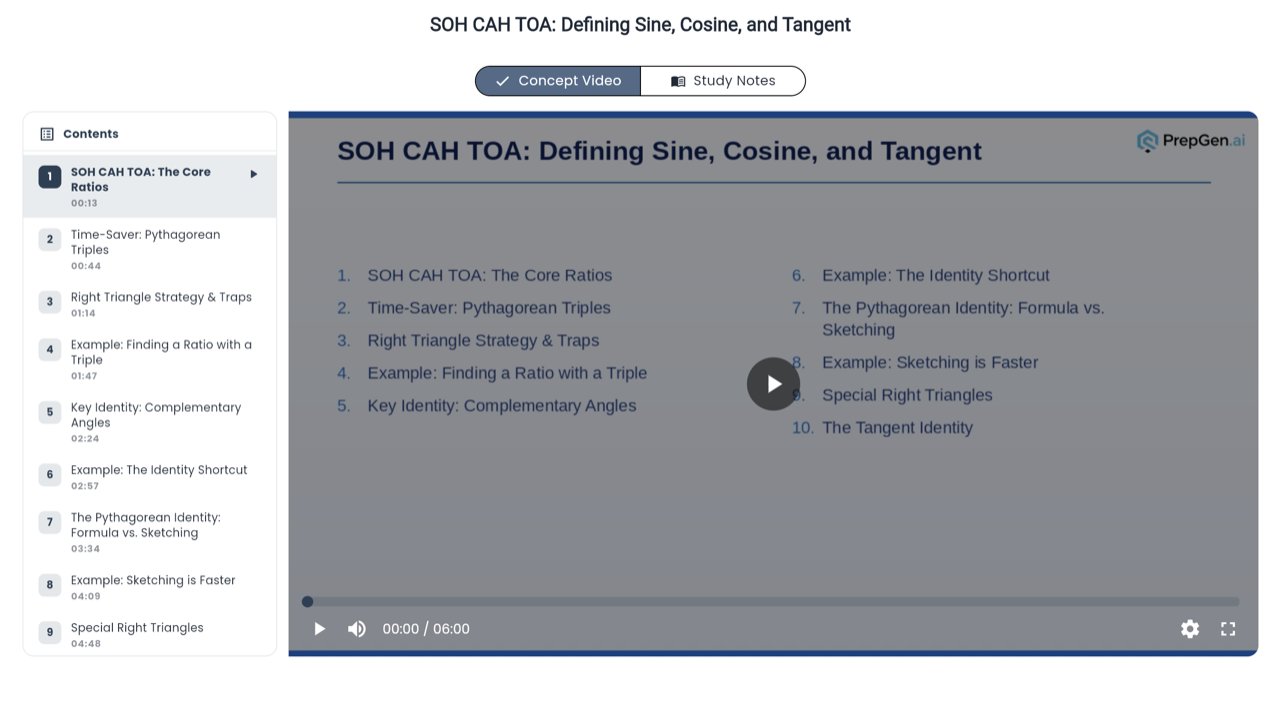
We are excited to introduce Teach Me — a new AI-powered feature inside PrepGen.ai that generates a personalised lesson on any topic, in a couple of minutes. Whether you are stuck on a concept, need a quick revision, or want to build a thorough understanding from scratch, Teach Me creates a custom lesson tailored to exactly how you want to learn.
What Is Teach Me?
Teach Me lets you describe any topic or concept in your own words and choose your preferred learning mode. The AI then generates a structured lesson — complete with explanations, key takeaways, and a custom video — all in one place. It is like having a personal tutor available at any moment during your preparation.
How It Works
- Type what you want to learn — enter any topic or concept, or pick from AI-suggested topics based on your weak areas.
- Choose your learning mode — select from From Scratch (ground-up explanation),Quick Revision (brush up on key concepts), Exam Readiness (focus on likely questions), or Clear Confusion (target a specific doubt).
- Get your lesson — a custom video lesson is generated and saved to your My Lessons library, grouped by the learning mode you chose.
Where to Find It
Look for the Teach Me button directly on your Dashboard or in the My Lessons navigation page. You can also access My Lessons from the sidebar to review or rewatch any lesson you have previously generated — organised by learning mode for easy navigation.
Which Exams Are Supported?
Teach Me works across all exams available on PrepGen.ai, including CAT, NEET, MHT-CET, SAT, CFA L1, and more. Because you describe the topic yourself, it works for any subject area — not just pre-loaded content.
Your Personal Lesson Library
Every lesson you generate is saved to My Lessons, grouped by learning mode. Lessons show the topic, duration, and the date you created them, so you can easily pick up where you left off or revisit a concept before exam day.
Go to your Dashboard or My Lessons navigation and tap Teach Me to generate your first personalised lesson today.