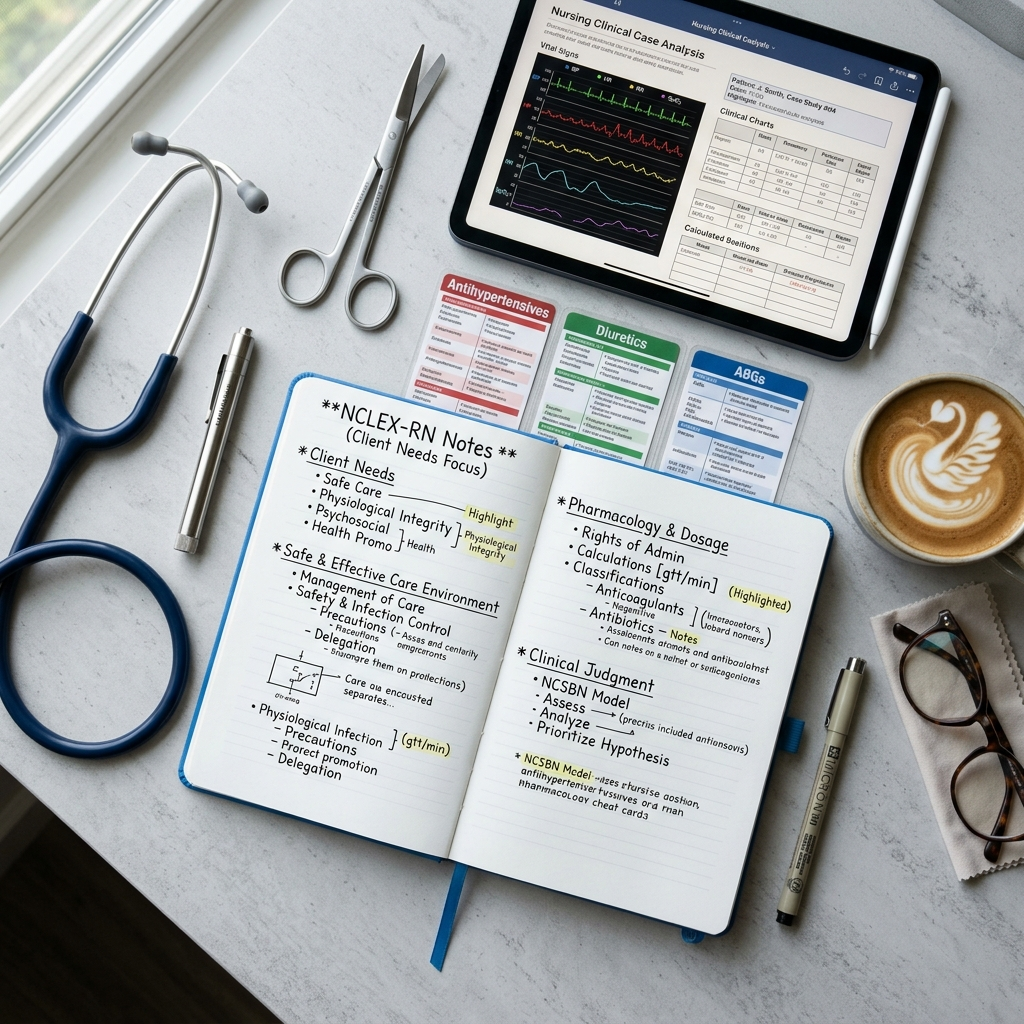
PrepGen.ai now supports the NCLEX-RN. The bank went live with more than 1,600 questions covering all four Client Needs categories and every one of the 41 topic areas in the NCSBN test plan — written for the Next Generation NCLEX, where the exam asks what you would do next rather than what you memorized.
Content Coverage
Questions are organized into the four Client Needs categories, weighted the way the test plan weights them:
- Safe and Effective Care Environment — delegation and prioritization, client rights, informed consent, confidentiality, infection prevention, safe use of equipment and restraints
- Health Promotion and Maintenance — developmental stages, antepartum through postpartum care, newborn screening, immunizations, health assessment
- Psychosocial Integrity — therapeutic communication, crisis and suicide assessment, substance use disorders, abuse and neglect, end-of-life care
- Physiological Integrity — dosage calculation, IV therapy, lab values, fluid and electrolytes, hemodynamics, surgical complications, pathophysiology
Written for Clinical Judgment
The Next Generation NCLEX made the exam explicit about what it measures: recognizing cues, analyzing them, prioritizing hypotheses, generating solutions, taking action, and evaluating outcomes. The PrepGen.ai bank is built around that cycle, with case-based items that unfold the way real clinical reasoning does — alongside the traditional multiple-choice and select-all-that-apply questions that still make up much of the exam.
Prioritization in Volume
When two options are both correct nursing actions, the question is asking which comes first — and that is the skill nursing programs test least and the NCLEX tests most. Delegation, triage, and first-action questions appear throughout the bank in enough volume to actually build the instinct.
An Explanation for Every Option
Each answer choice carries its own explanation naming why that action is wrong, late, or unsafe — not a restatement of why the key is right. Subcategory-level analytics then show whether a miss was a knowledge gap or a prioritization error, which are two very different things to fix.
Get Started
- Log in at prepgen.ai or open the PrepGen.ai app.
- Go to Professional Exams and select NCLEX-RN.
- Take a diagnostic across all four Client Needs categories.
- Drill the weakest subcategory daily, and add pharmacology and dosage calculation every session.
The test plan, eligibility rules, and results timelines are set by NCSBN and your state board of nursing — check both before you register. Then start practicing on PrepGen.ai.